
Add-on Works with Pro
Tell the Assistant what needs replacing.
Describe the files you want to replace. The Assistant prepares the matches and shows the plan for your review. MCP and the REST API connect your own tools.
Preview the Assistant with Pro. Bring your own AI provider key; usage is billed by that provider.

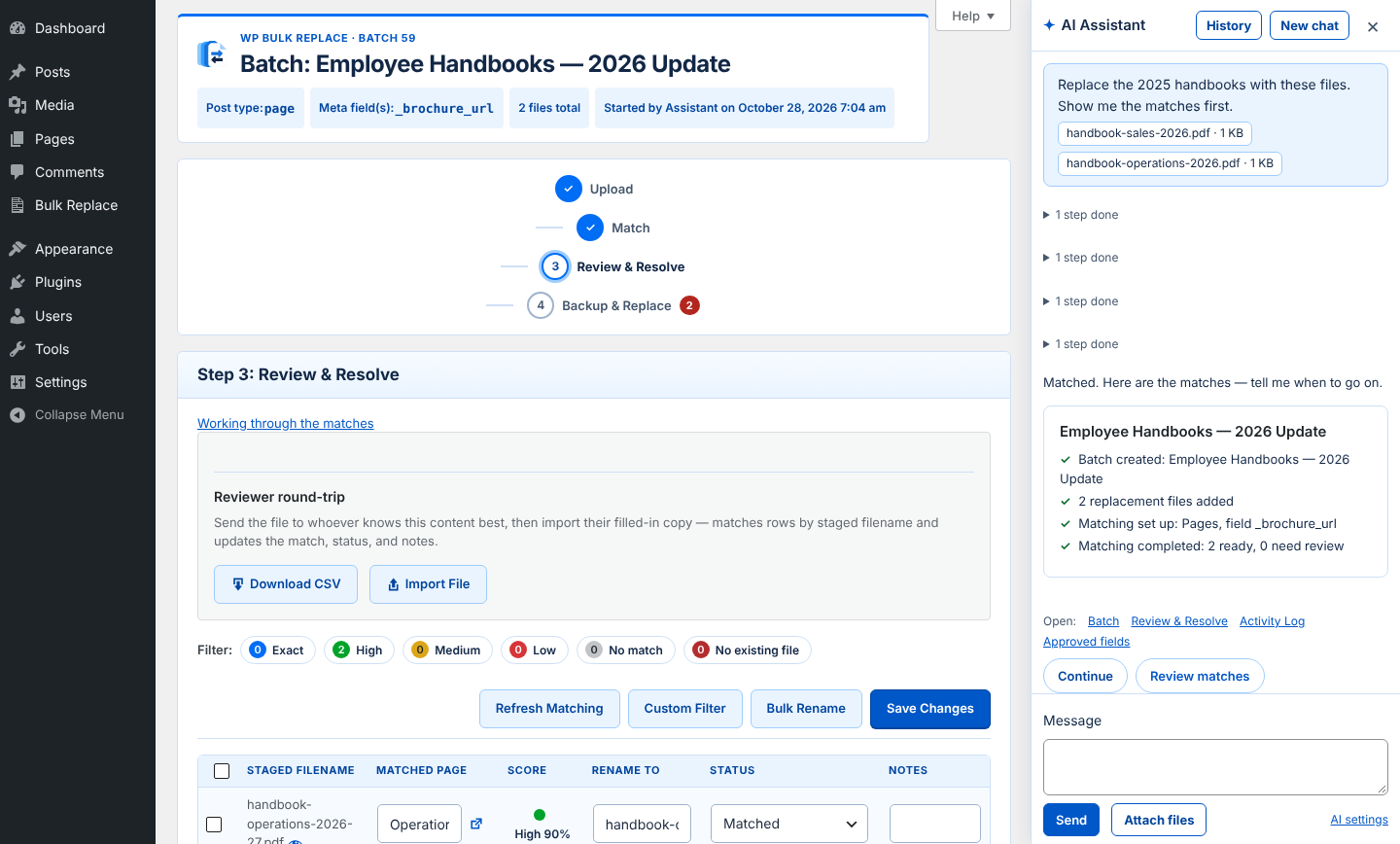
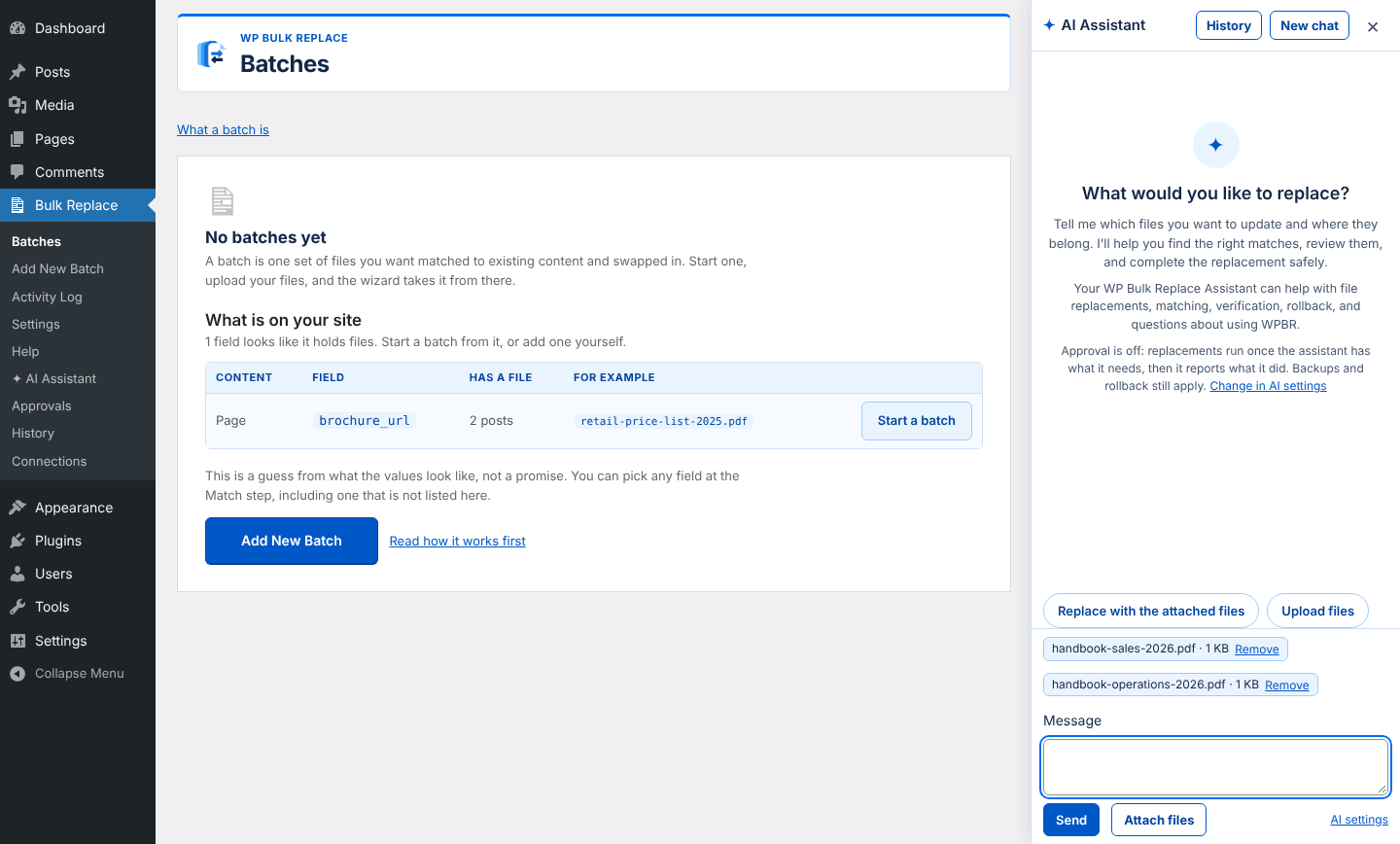
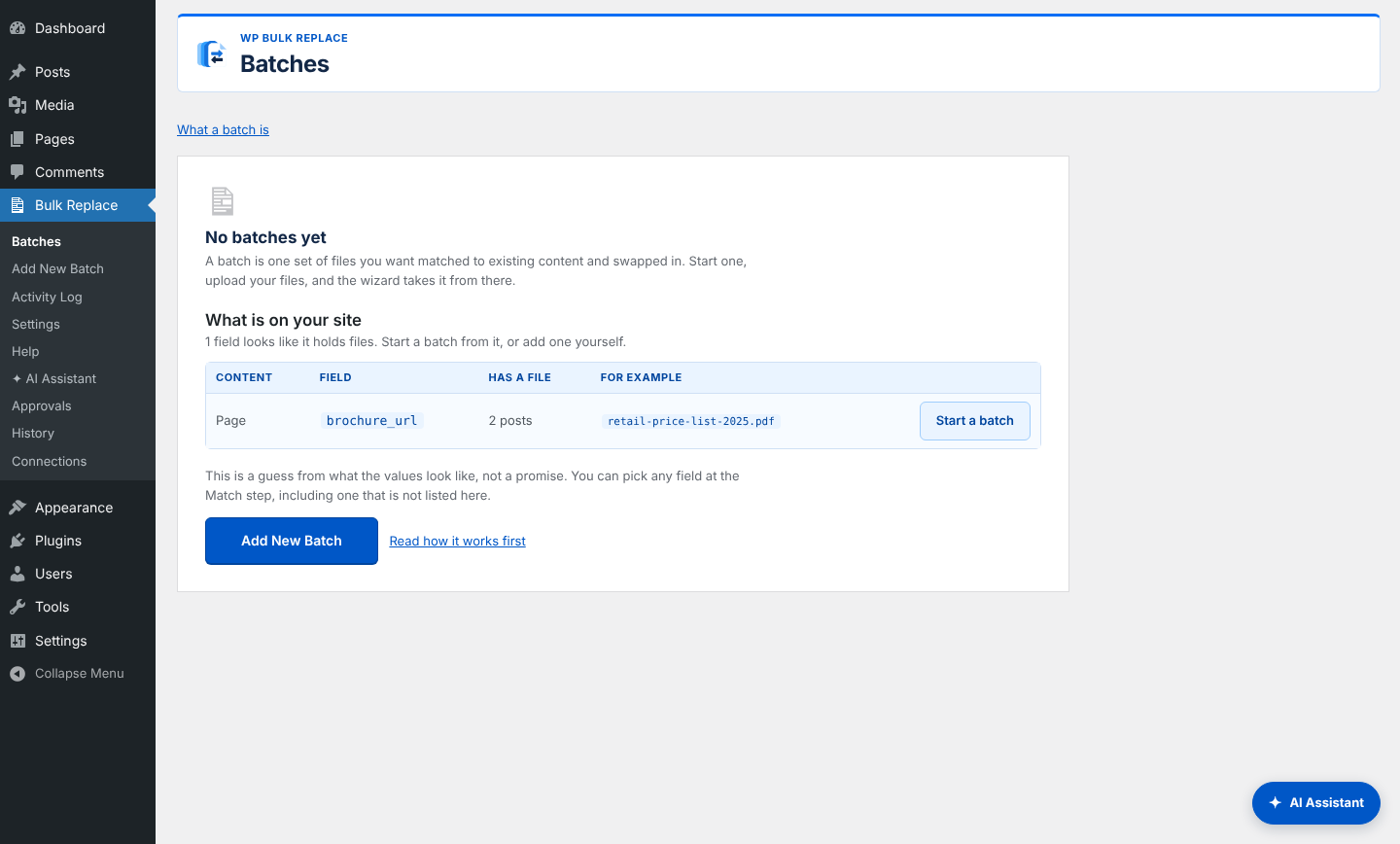
Illustration with demo file names.
The Assistant
A sidebar that sets the job up with you.
The Assistant stays beside your batch. Attach up to five PDF, DOC, or DOCX files per message, or choose files from the Media Library. Tell it what to replace and review the proposed changes.
- Ask Describe the batch in plain words and attach the new files.
- Review See every file that would change.

In the sidebar

You stay in charge.
- Review firstThe Assistant shows exactly which files would change so you can review them. It can never approve for you.
For developers
A REST API and an MCP server.
Reading, planning and the report are available to your own tools, with the same safeguards.
The kind of job it is for
Examples of the work you can delegate. Results depend on your site and files.
-
A catalogue of product manuals
A new set of PDF manuals for a WooCommerce shop, with the old ones sitting in product downloads and ACF file fields. Say where they belong, and the Assistant sets up one batch and matches them by file name.
-
Course syllabi for the new term
A university or school site with a syllabus for every course across several programs. Drop in the new files and the Assistant matches each to the course it replaces, so you review the matches instead of building them.
-
Price lists and brochures
New versions, same web addresses: the Assistant prepares the matches and shows you what would change.
Works with Pro
Choose 1, 5, or 50 sites. Annual add-on pricing; no WP Bulk Replace charge per message. AI provider usage is billed separately.
Need Pro? You can include it when you buy this add-on.
- 1 site $149/yrOutside the US: $159
- 5 sites $329/yrOutside the US: $349
- 50 sites $699/yrOutside the US: $749